The 5 Virtual Assistant Tools Every Newbie Needs
PINOY BUDGET HACK: Buying the Must-Have Work-From-Home Gear Even for as Low as ₱800!
When you finish reading this blog, your excuses will disappear.
If the only thing holding you back from becoming a Virtual Assistant is the myth that you need a ₱60,000 dual-monitor desk setup or a massive initial "investment," I am here to bust that myth wide open.
You do NOT need a fancy office setup to land your first client. In fact, you can launch your freelance career as a Filipino newbie virtual assistant using what you can afford on a budget of under ₱1,500…or even as low as ₱800! Borrow what you can, start with what is easily available to you without shelling out thousands out of pocket, and upgrade later when the client dollars start rolling in.
Here is the exact, zero-fluff starter gear list you need to get started...
1. A Laptop (FREE if you borrow!)

While a desktop PC might give you higher processing power for the price, a laptop is hands down the best choice for a beginner VA.
Why? Because we just want to START! It is 100x easier to borrow a laptop from a supportive friend or relative than it is to haul, transport, and set up a bulky PC unit. More importantly, when an unexpected power outage hits, you can simply grab your laptop and walk to a nearby cafe or co-working space to keep working.
Try doing that with a desktop PC!
Check with friends or relatives who have gear they’re not using or seldom use. Borrow a spare laptop for ₱0 to get your foot in the door. Borrowing also gives you the “push” you need to find your first client and start earning so that YOU can finally buy your own laptop or PC.
When you earn your first client payouts and want to buy your own unit, here is my personal recommendation:
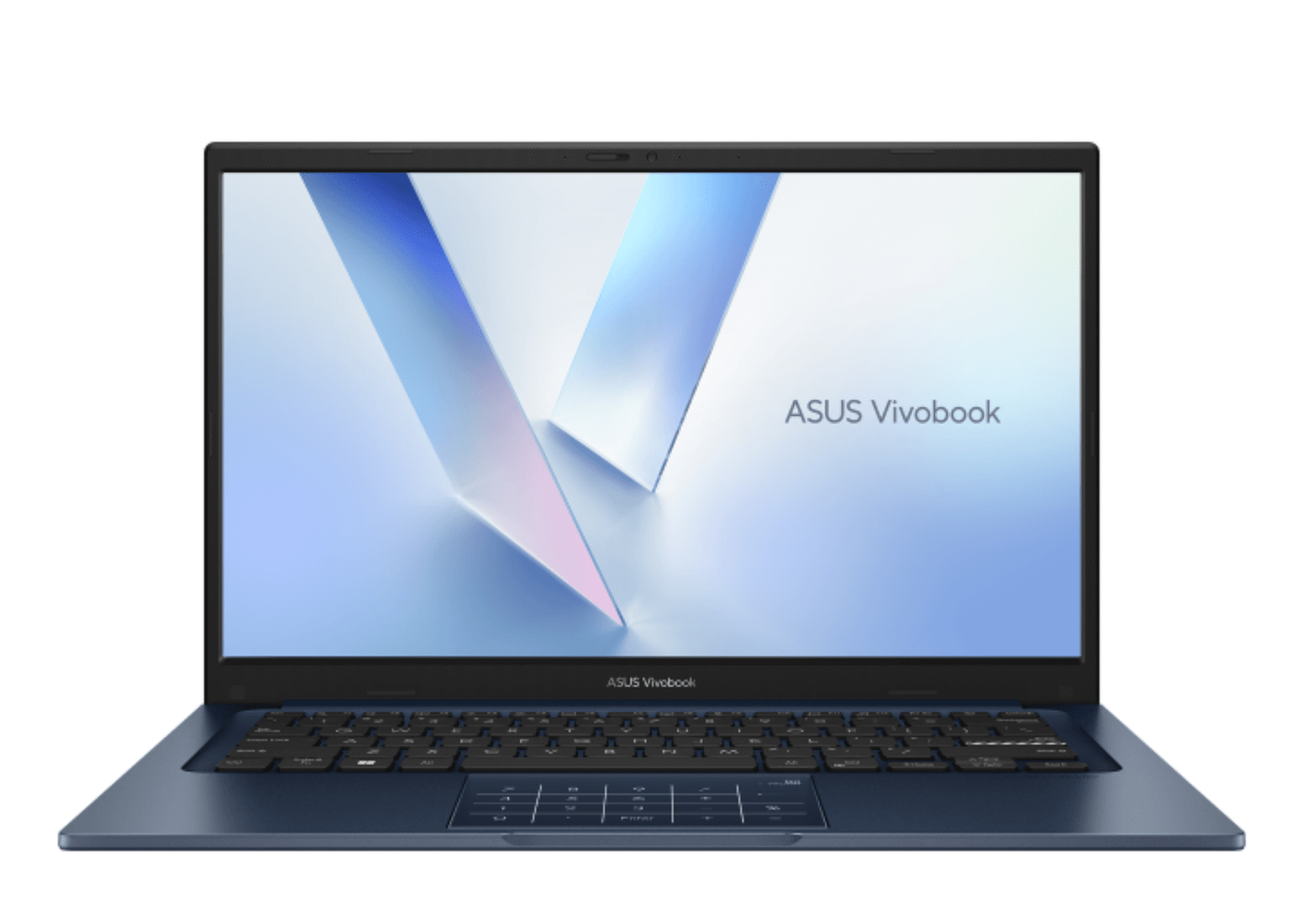
💡 Lisa's Personal Review:
This is the exact laptop I am using right now! I’ve been using mine for over a year with zero issues and zero overheating (taking good care of your gear helps too!). It runs silky smooth even when I have 4 to 5 major heavy applications running at the same time.
2. Ergonomic Keyboard & Mouse Set (₱200 – ₱300)
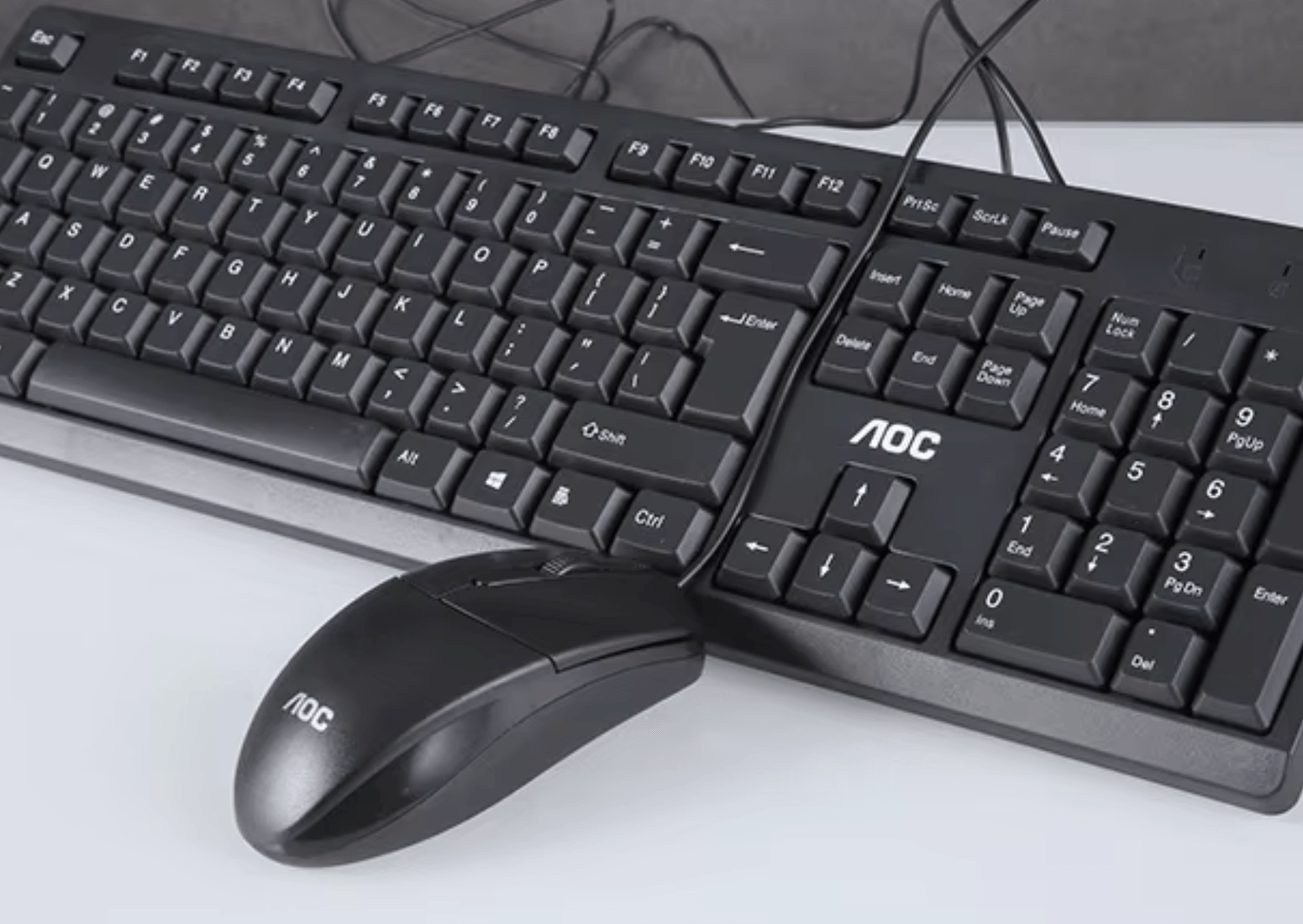
Relying on your laptop’s built-in trackpad slows down your execution and strains your wrists.
Over the years, I have tested so many brands, and AOC and A4Tech have consistently won the ultimate durability test. (Right now, I’m using an A4Tech keyboard paired with a free Acer mouse that came with my laptop!)
I have personally bought this exact AOC combo set at least 5 times already because my kids can be really rough with gear—and AOC still stands the test of time. Legit durable and super worth the price! I even keep an unused spare set at home for emergencies, or for when relatives and friends drop by to "borrow" gear that they’ll never return! 😂
💡Pro Tip:
Upon checkout on Shopee, make sure to check the box for delivery damage insurance! Alternatively, go to a local computer shop. It might be slightly pricier in physical stores, but at least maka-testing ka live before paying!
3. USB Noise-Cancelling Headset (₱300 – ₱400)
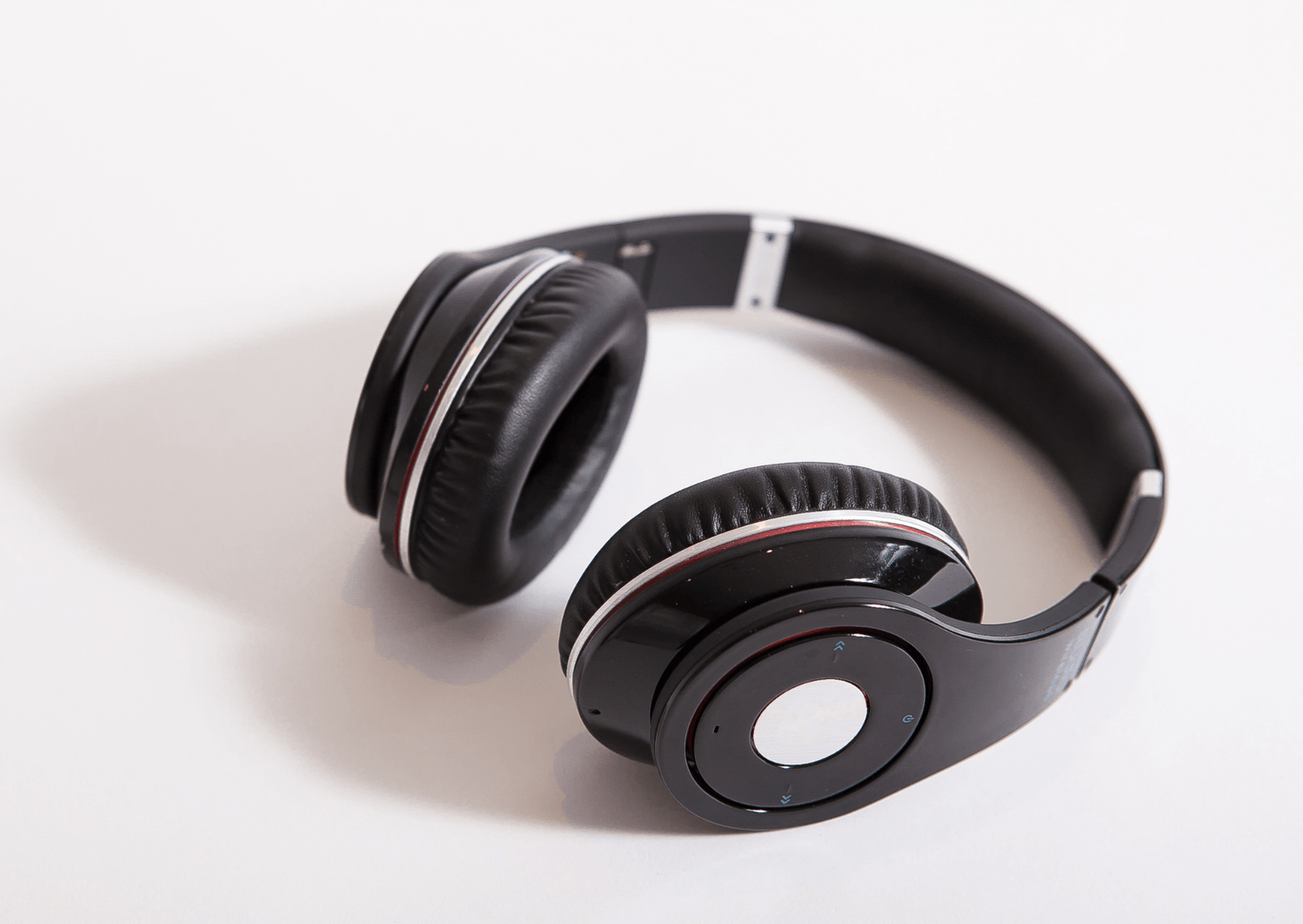
I used this exact style of headset back when I was teaching ESL classes, and it was also the very first headset I bought for my team when starting out (before we eventually upgraded to high-end Bluetooth headsets with bass boost).
This is a solid starter headset for newbie VAs that fits right into what you can afford today. You need crystal-clear audio during client discovery calls and interviews.
Here is a cold, hard fact: If your client cannot hear you clearly, they will NOT hire you. Period. Do not rely on the built-in speaker and microphone of your borrowed laptop!
4. Mini UPS for Your WiFi Router (₱200 – ₱500)
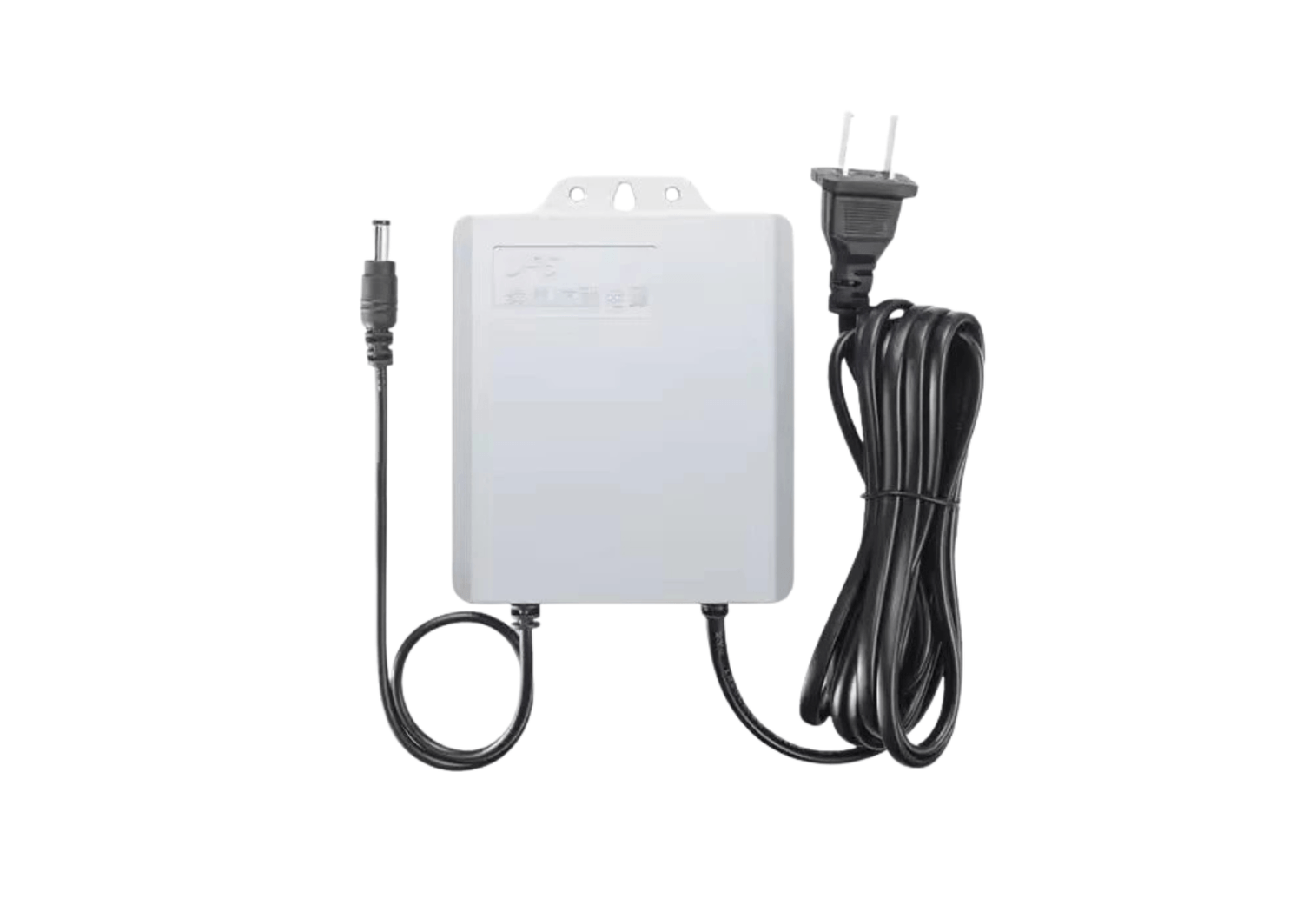
I use this at home for our Fiber WiFi router and our CCTV cameras, and let me tell you—it was an absolute lifesaver during the long blackouts after major typhoons!
During long power outages, when my laptop battery died, I would head to City Hall (where our mayor opened up free charging stations) or a nearby mall coffee shop to charge my laptop. Once charged, I’d head straight back home to continue working because our home WiFi was still up and running thanks to this Mini UPS! It gives you 2 to 4 extra hours of router power during blackouts without needing an expensive generator.
⚠️ IMPORTANT BEFORE YOU BUY:
Please check first if the voltage and pin size are compatible with your current WiFi router model at home! If you buy using the Shopee link below, you can easily chat with the seller first to confirm compatibility before hitting checkout.
5. Mobile Hotspot Backup (₱100 – ₱200 Data Load)
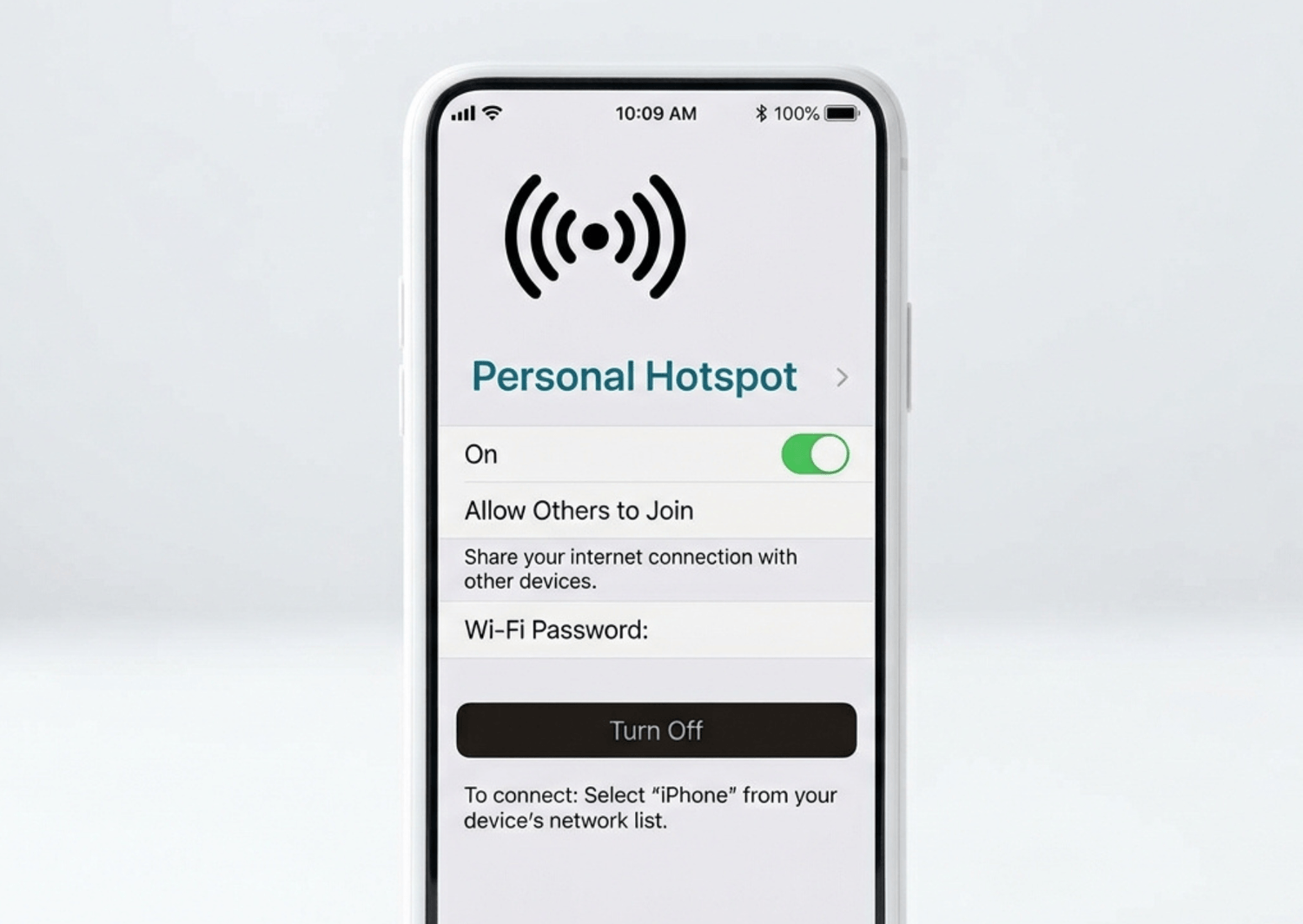
(Note: We are assuming you already own a cellphone—or borrowed an extra cellphone from your parents or relatives for ₱0! We are also considering your existing home WiFi as ₱0 in this computation, because let's be real... you wouldn't be reading this blog right now if you didn't have internet access! haha)
Whether there's a storm or normal sunny weather, backup mobile data on your phone is an absolute MUST. When your main home WiFi disappoints you, mobile data is your non-negotiable Plan B. Always have a plan B. Always.
Having good mobile data turns "Work From Home" into true Work From Anywhere. If I'm waiting in the school canteen for my kids to finish class, sitting in a coffee shop, or parked in the car, I can just open my laptop, connect to my cellphone hotspot, and start working!
💡 Lisa's Personal Setup:
I run a Dual SIM cellphone—one Smart, one Globe. I simply toggle and switch between networks depending on which provider has the strongest signal in the area I'm working from!
📊 Sample Conservative Starter Computation
Let's do the actual math so you can see just how low the barrier to entry really is:
Laptop (Borrowed from family/friend) ₱0
Ergonomic Keyboard & Mouse Set ₱200 – ₱300
USB Noise-Cancelling Headset ₱300 – ₱400
Mini UPS for WiFi Router ₱200 – ₱500
Mobile Hotspot Data Load Backup ₱100 – ₱200
_______________________________________________________
TOTAL STARTER INVESTMENT: ₱800 – ₱1,400 ONLY!
You Have NO Excuses Left, Langga!
I just handed you the exact list of what you can acquire to start your journey with the means God has provided you with right now. You don't need fancy gear or thousands out of pocket because you just need the discipline to start.
And let's be completely honest, Langga: if you don't have ₱1,000 on hand right now, I bet if you reach out to your ninongs, ninangs, aunties, or uncles, or offer to do extra household chores or errands for someone, you can easily raise that ₱1,000 in a couple of days! That small amount is literally all it takes to get you STARTED on your VA journey.
Be resourceful.
Whenever you find yourself wondering if you should buy a piece of tech, use my 3-Week Litmus Rule: Ask yourself, "Do I need this right now? Will I use it at least once a day for the next 3 weeks?" If the answer is no, put it on your wishlist and focus purely on getting client work done!
One day, when you are already earning a 6-figure income as a thriving Virtual Assistant, you will look back at this exact moment in your life with so much pride. You will realize that long before holding that 6-figure client revenue in your hands, you already possessed the 6-figure mindset and resourcefulness because you refused to let ₱800 stand between you and your future.
Stop overthinking, get your basic setup ready, and take action today!
P.S. Bonus Upgrades (After Your First or Second Sweldo!)
Once you start earning from your first client payouts, reinvest a small portion of your income into these comfort and performance upgrades:
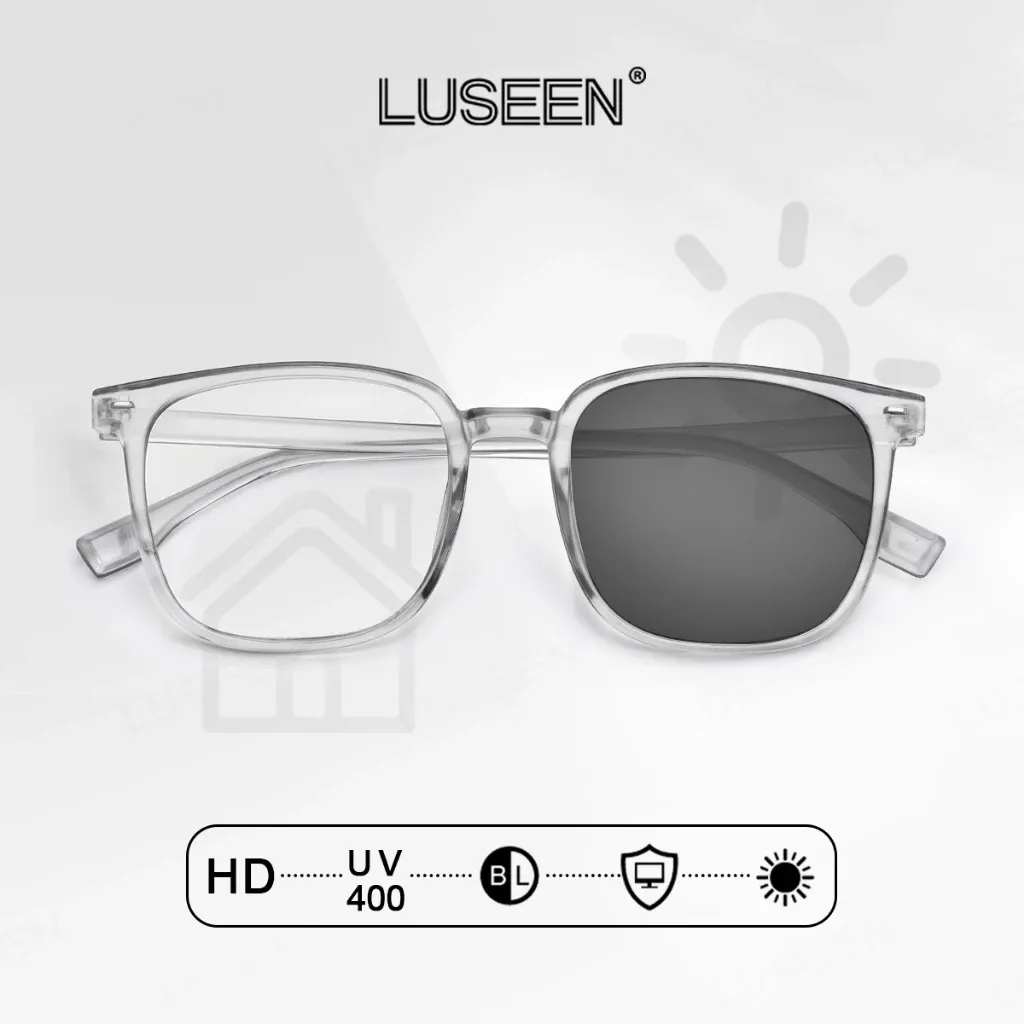
Anti-Radiation Glasses (< ₱200): Protect your eyes during long execution hours.
🛒 LUSEEN Photochromic Anti-Radiation Glasses
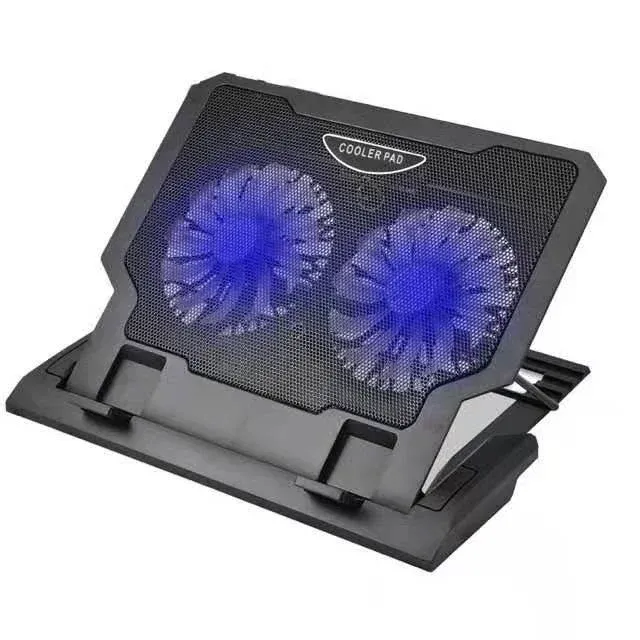
Laptop Cooler Dual Fan (₱200 – ₱500): Keeps your laptop running cool during heavy multitasking.
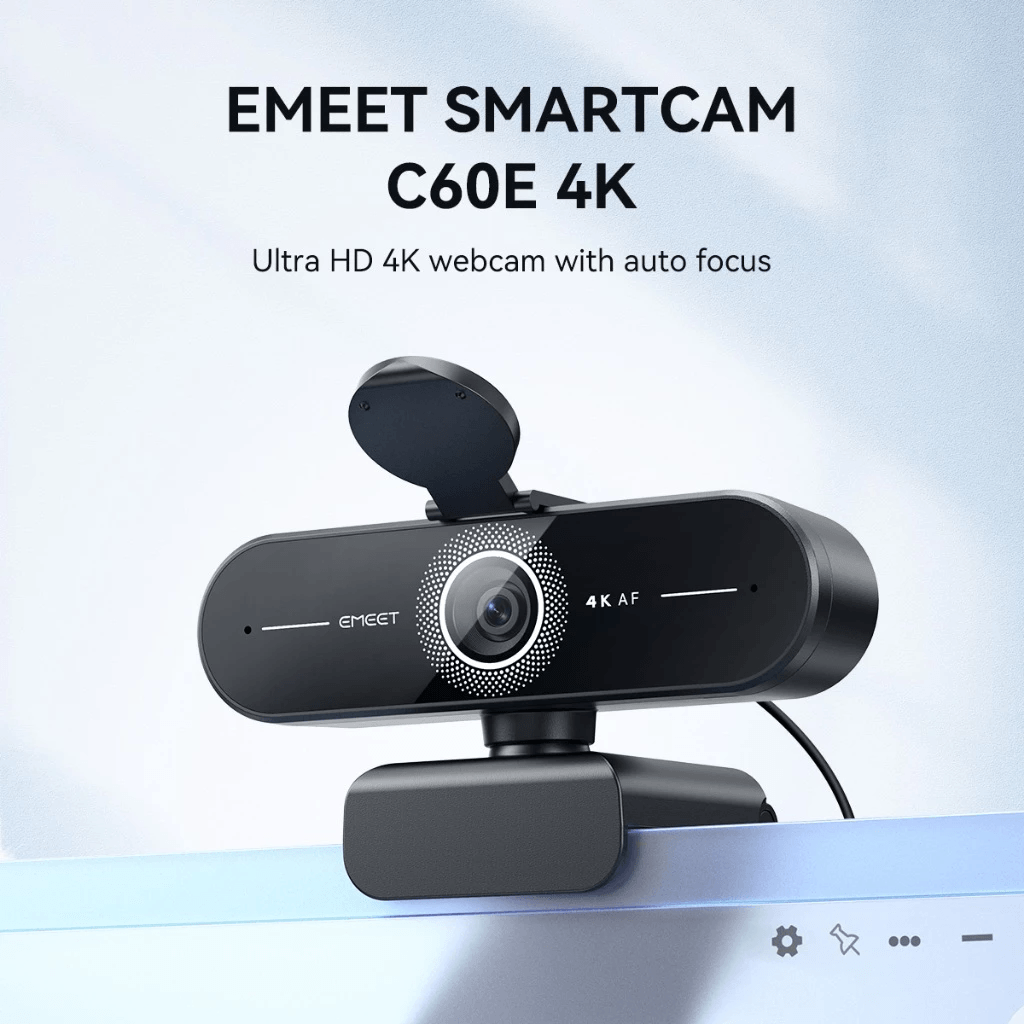
EMEET 1080p/4K Webcam (₱1,500+): I swear by this webcam! It is hands down the best webcam EVER and in my remote work life time, I’ve tested at least 10 webcams. The EMEET webcam wins by a mile! I fell so in love with my first unit that I bought a second one just to keep in my portable bag for coffee shop working and outdoor trips. The 1080p video quality is so crisp that I even use it to record my official podcast content!
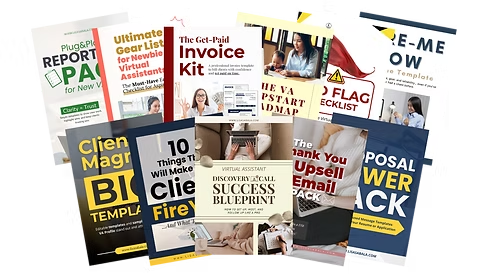
P.P.S. Want to skip the guesswork entirely? Get the complete, expanded VA Essential Gear Guide inside the VA-Kit at www.lisasabala.com/va-kit!
I built the VA-Kit to clear the path for overthinkers so you never feel lost.
At the end of the day, equipment is just plastic and wires. It’s your heart, your grit, and your resourcefulness that make you an elite Virtual Assistant. You have zero excuses left and 100% potential. Start with what you have today, trust the process, and go claim the 6-figure income you deserve. Padayon ta, Langga!
Some of the product links on my website are affiliate links. That means if you click through and decide to buy, I may earn a tiny commission at ZERO extra cost to you! I only ever recommend gear, experiences, places, and offers that I have personally used, trust, or tested myself. Buying through these links helps support me and my team so I can keep doing bootcamps, creating free guides and posting resources for aspiring VAs like you. Salamat kaayo sa support!
Join the Free VA Newsletter
Stop letting excuses hold you back! Enter your email to get weekly budget hacks, job leads, and step-by-step guides for beginner Filipino VAs delivered straight to your inbox.
Got any questions or concerns?
Email us at hello@lisasabala.com
Newsletter
Ready to build a thriving remote career on your own terms? Drop your email below to get weekly budget hacks, client-landing strategies, and step-by-step guides sent straight to your inbox!
Created with © systeme.io